Free AI Object Remover Online
Clean up photos by removing unwanted elements in a few clicks.
✏️Upload an image, then brush over the area you want to remove
 Before
 After
AfterOr drop an image here
Supported Formats:
AI Object Remover Before & After Results
Drag the slider to compare the original and cleaned image.
 After
After
Remove Unwanted Objects
 After
After
Clean Product Shots
 After
After
Remove Desk Clutter
 After
After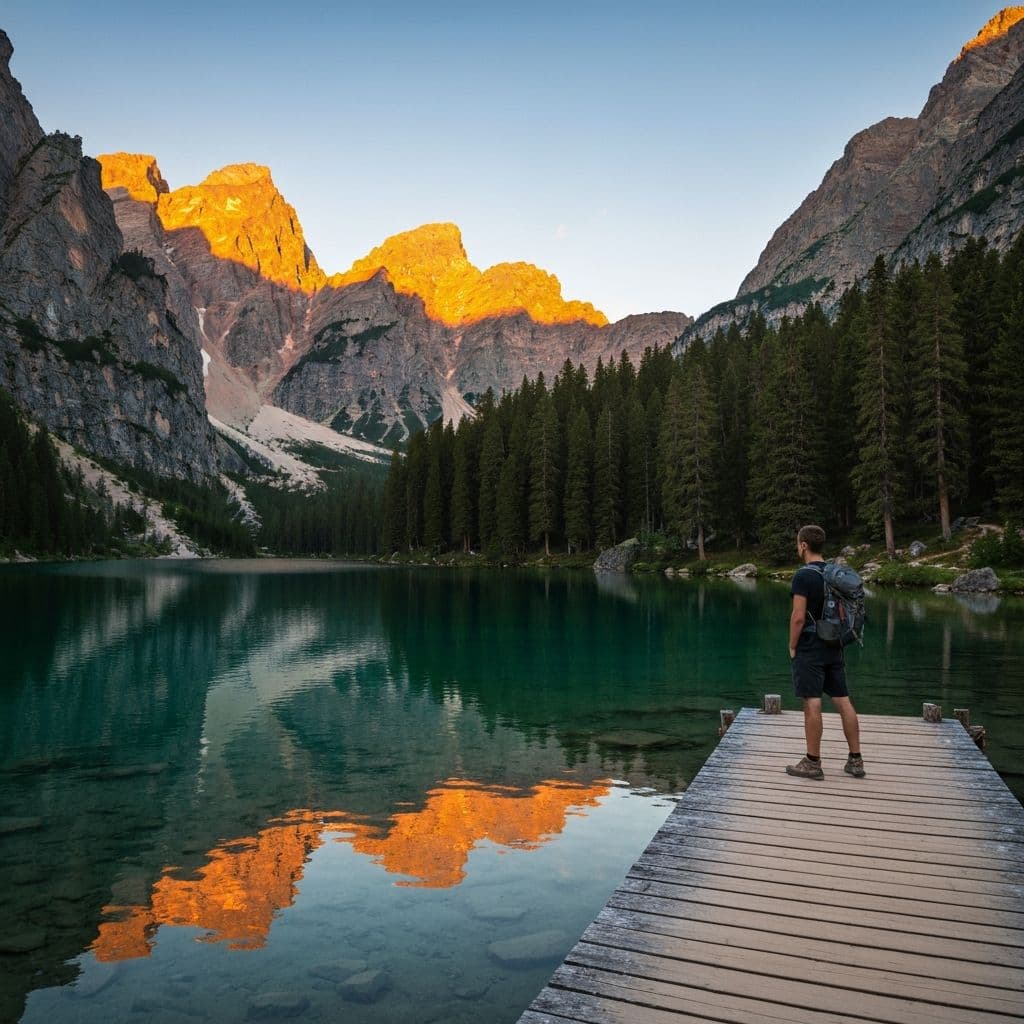
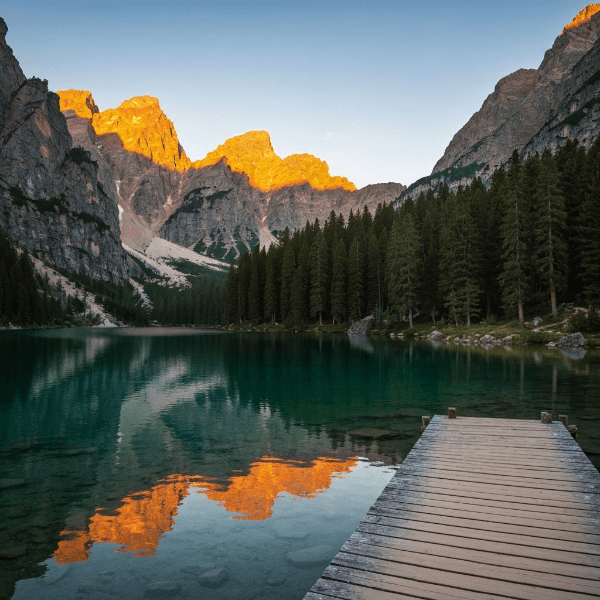
Remove Objects from Landscape
See AI Object Removal in Action
Our advanced AI technology makes image editing effortless.
RemovedAI Object Remover Background Reconstruction
Advanced models fill removed areas smoothly, so edits blend with the surrounding scene.
RemovedAI Object Remover for Product and Marketing Photos
Clean distracting details from product shots to create sharper visuals for stores, ads, and social posts.
RemovedRemove Clutter for Clean Workspaces
Erase unwanted items from desk or room scenes — perfect for interior shots, real estate photos, and workspace photography.
RemovedRemove Objects from Landscape & Travel Photos
Remove people, boats, or distracting elements from scenic shots. Preserve the natural beauty of landscapes without any trace of the edit.
A Simple Workflow
Built for quick edits without manual editing
3 Steps
Upload and export in a few steps
AI Powered
Smart AI removes backgrounds, objects & watermarks
365 Days
Top-up credits stay valid for up to one year
Everything You Need to Know
Remove Unwanted Objects from Photos — Free AI Object Remover
EraseBG's AI object remover erases people, clutter, and distractions from any photo in seconds — no Photoshop skills required.
How to Remove Objects Online
Upload a JPG, PNG, WEBP, or BMP photo up to 10 MB. Paint over the object with the brush — a rough selection is enough. The AI fills the area with realistic background content. Download instantly, no software needed.
Remove People from Photos
Remove strangers, photobombers, or background bystanders. The AI detects the person's shape, erases them, and reconstructs the scene so it looks natural. Works on travel photos, portraits, street shots, and more.
E-commerce & Product Photos
Remove price tags, stray props, reflections, and clutter from product shots. Clean, professional output ready for Amazon, Shopify, or Etsy — without expensive re-shoots or complex editing software.
What Can You Remove?
Power lines, cables, signs, vehicles, trash, furniture, text overlays, stickers, price labels, date stamps, and more. If you can see it and brush over it, the AI can remove it and restore the background naturally.
Free to Try, No Sign-up
New users receive 10 free credits — enough for 2 full object removals. No account needed to upload and preview. Register only when you are ready to download your cleaned image.
Fast, Private & Browser-Based
Most removals complete in under 10 seconds. All uploaded images are deleted from our servers immediately after processing. Works in any modern browser on desktop or mobile — nothing to install.
FAQ
Common questions about using EraseBG
Ready to Remove Unwanted Elements?
Upload the image, mark the area, and download a cleaner result.